
Sign in and find your way
Priya is the export coordinator at Navchetan Agro Exports. Every day she checks the rates, makes costings and follows the shipments.
At the end of this page, you can sign in and open the three screens that Priya uses every day: the Cheapest Port Board, the Export Costing list and the Export Shipment list.
Before you start
- Get your user from your administrator. You need your email address and your password. See Users and roles.
- To see the same records as on this page, your administrator installs the demo data. See Install and remove demo data.
Steps
-
Open the address of your site in the browser. The Sign In page opens.
-
Enter your Email and your Password.
-
Click Continue.
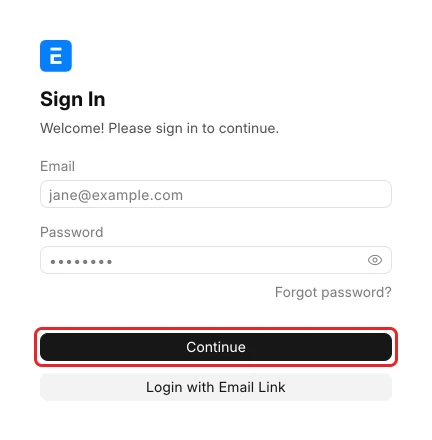
The Desk opens. The Desk is the work area of the system. It shows one icon for each app.
-
Click Export Management.
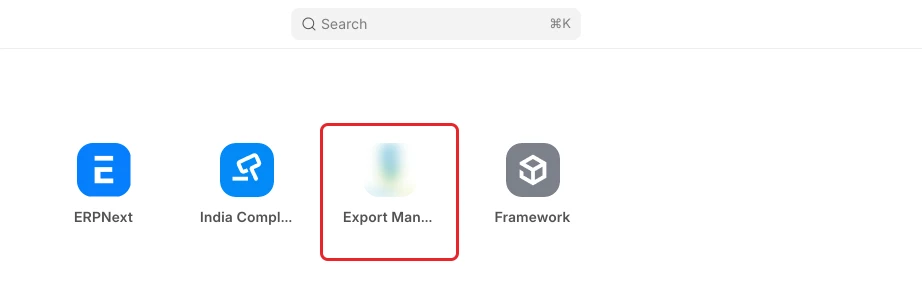
The Export Management workspace opens. It shows six shortcuts in two sections: Data and Daily Ops.
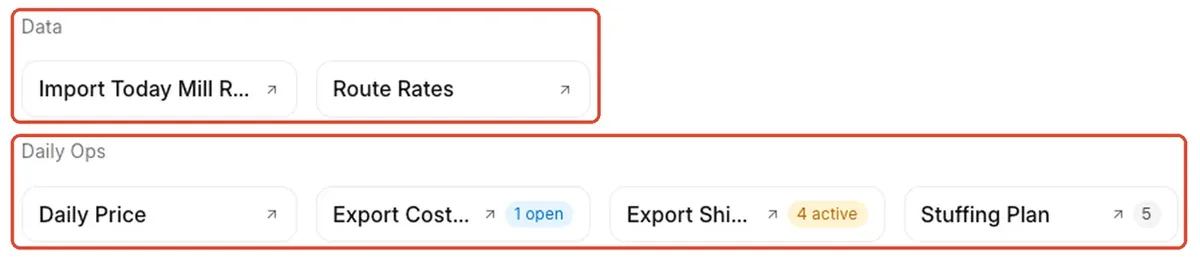
| Section | Shortcut | What it opens |
|---|---|---|
| Data | Import Today Mill Rates | A new Data Import for Supplier Item Rate. Use it to load the rates that the mills sent today. |
| Data | Route Rates | The Export Costing Template page: the charges on each route, on a map. |
| Daily Ops | Daily Price | The Cheapest Port Board. It shows the port and the mill that give the lowest price for today's rates. |
| Daily Ops | Export Costing | The list of costings. The label shows how many costings are open. |
| Daily Ops | Export Shipment | The list of shipments. The label shows how many shipments are active. |
| Daily Ops | Stuffing Plan | The list of stuffing plans, one for each shipment. |
-
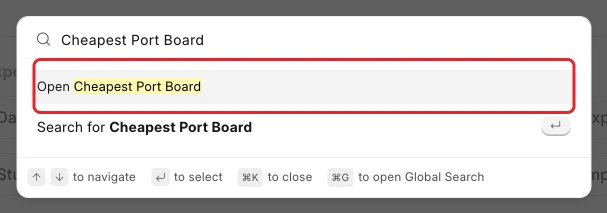
To open a screen by its name, click Search at the top of the left sidebar. You can also press Ctrl+K (Cmd+K on a Mac).
-
Type Cheapest Port Board.
-
Click Open Cheapest Port Board. The Cheapest Port Board opens, with a map and the Ports tab.
-
Click Home in the left sidebar. The Export Management workspace opens.
-
Click Export Costing. The list of costings opens.
Check it worked
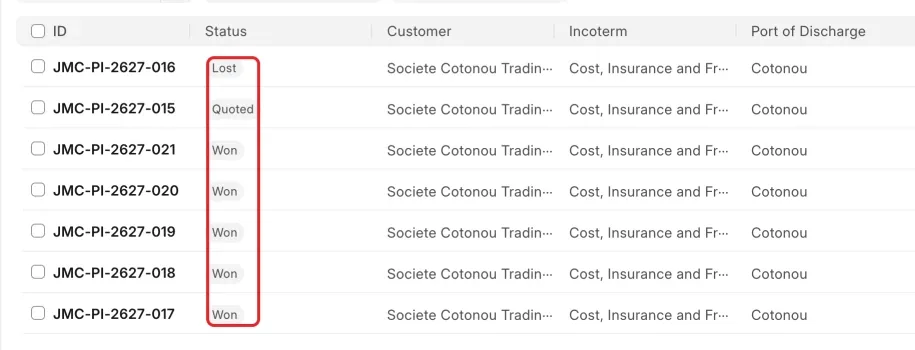
The Export Costing list shows the demo costings for the buyer Societe Cotonou Trading SARL. The Status column shows Won, Quoted and Lost.
Click Home in the left sidebar, then click Export Shipment. The list shows five shipments.
Good to know
- The search box finds every screen that your user can open. Type a part of the name, for example Stuffing.
- The Cheapest Port Board and the Route Rates page open only for users with the System Manager or Purchase Manager role. If a shortcut does not open, ask your administrator for the role.
- The left sidebar shows more screens, for example Port, Shipping Line and Export Settings. See Export Settings, Ports and Shipping lines.