
Ravi works at the mill with a phone. Ravi logs in with a mobile number, so there is no email address to type on a small keyboard.
At the end of this page, Ravi can log in and find the work for the next days.
Before you start
Ask the exporter for your login. Your user has the ASI Surveyor role and your mobile number.
To log in with a mobile number, the administrator turns on Allow Login using Mobile Number in System Settings, in the section Login Methods. Then the first field of the login page reads Email / Mobile. If the setting is off, the field reads Email and only an email address works. See Users and roles.
Steps
-
Open the site in the browser of your phone.
-
In Email / Mobile, type your mobile number. If the field reads Email, type your email address, or ask the administrator to turn on mobile login.
-
In Password, type your password.
-
Click Continue.
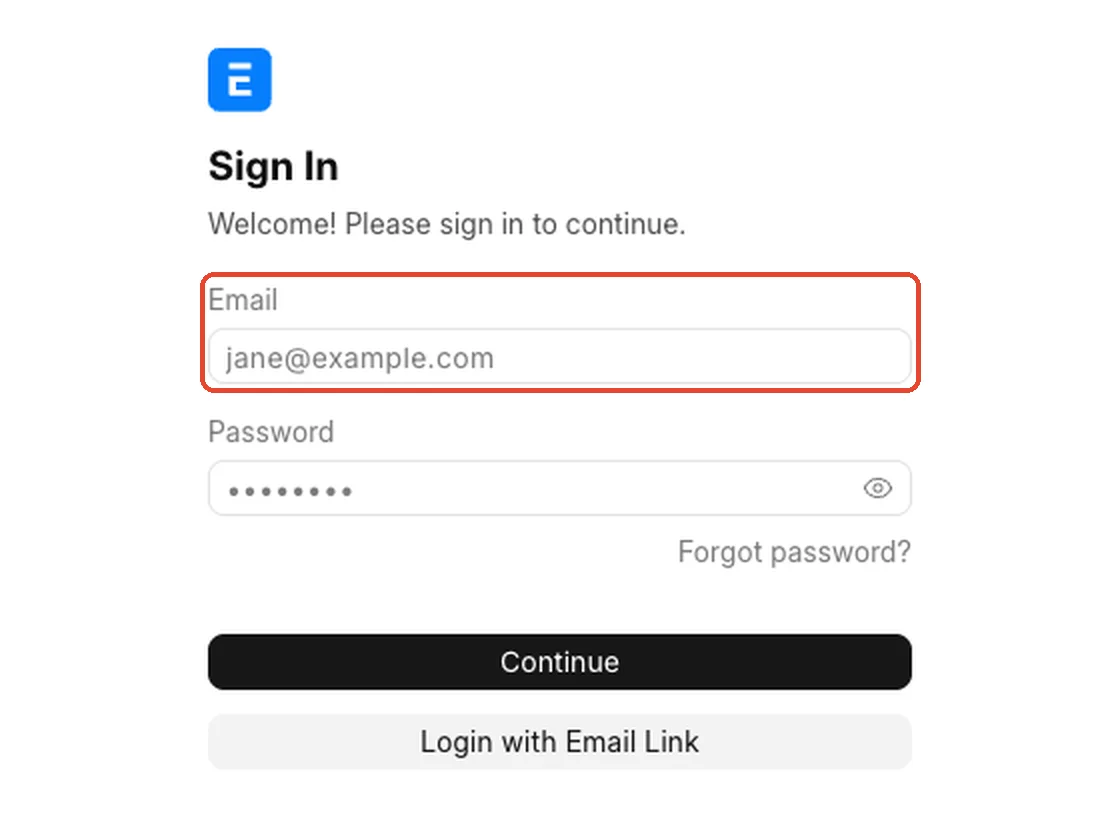
The picture shows the demo site. Mobile login is off there, so the field reads Email.
-
Open the My Inspections workspace.
-
Click Containers to see the container inspections from today to two days from now. The shortcut filters Planned Date from today to today + 2 days. For an older or later inspection, remove the filter in the list.
-
Click Heap Inspections to see your heaps. The number next to it counts your heaps.

Check it worked
Click Containers and remove the Planned Date filter. The list shows the container inspections that Meena assigned to you.
Good to know
| You can | You cannot |
|---|---|
| Fill readings and photos on your heaps. | Submit a heap. Priya does it. |
| Do every action on your container inspections, from Pass Empty to Close. | Do the Assign action. Priya does it. |
| Seal the last container of a heap. | See the work of other surveyors. |